Do I need an iPhone with LiDAR?
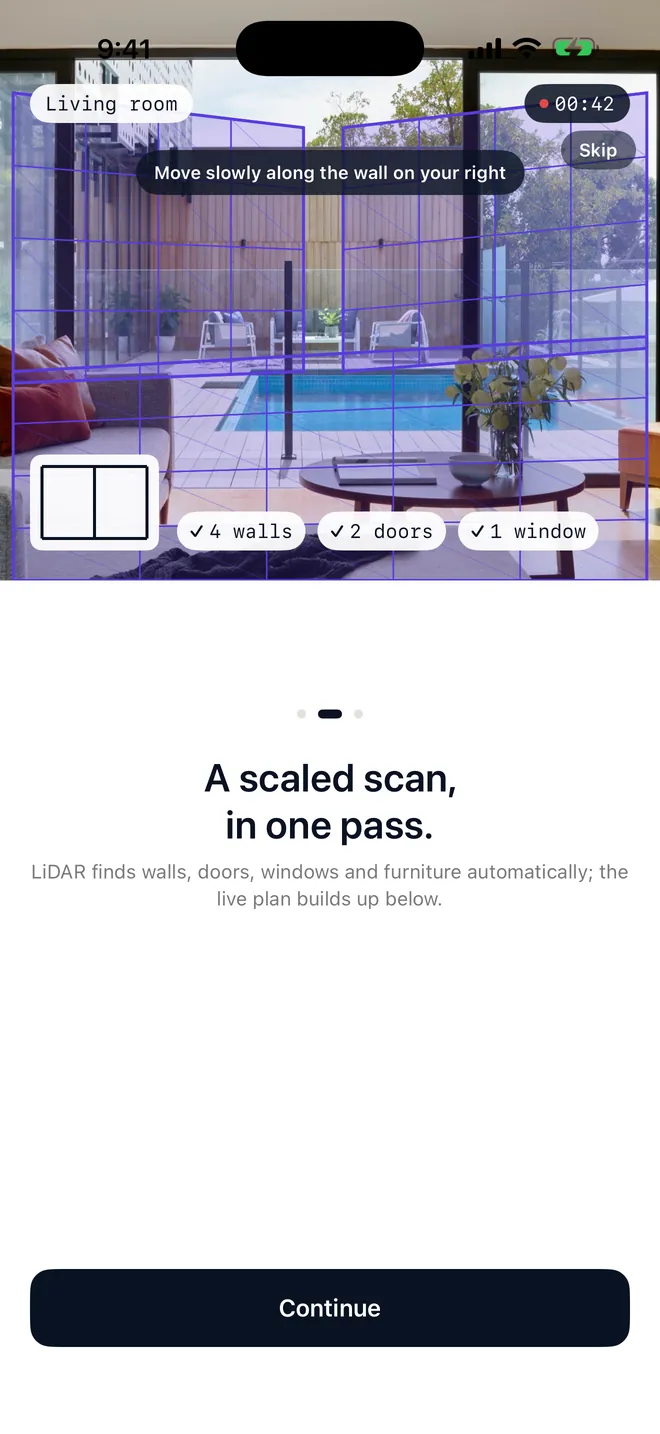
No. LiDAR is on iPhone Pro models (12 Pro and later) and iPad Pro and gives the fastest scan. On any other iPhone you measure the room by hand in the app: aim at the corners, walk along the walls or type the lengths.
How accurate are the measurements?
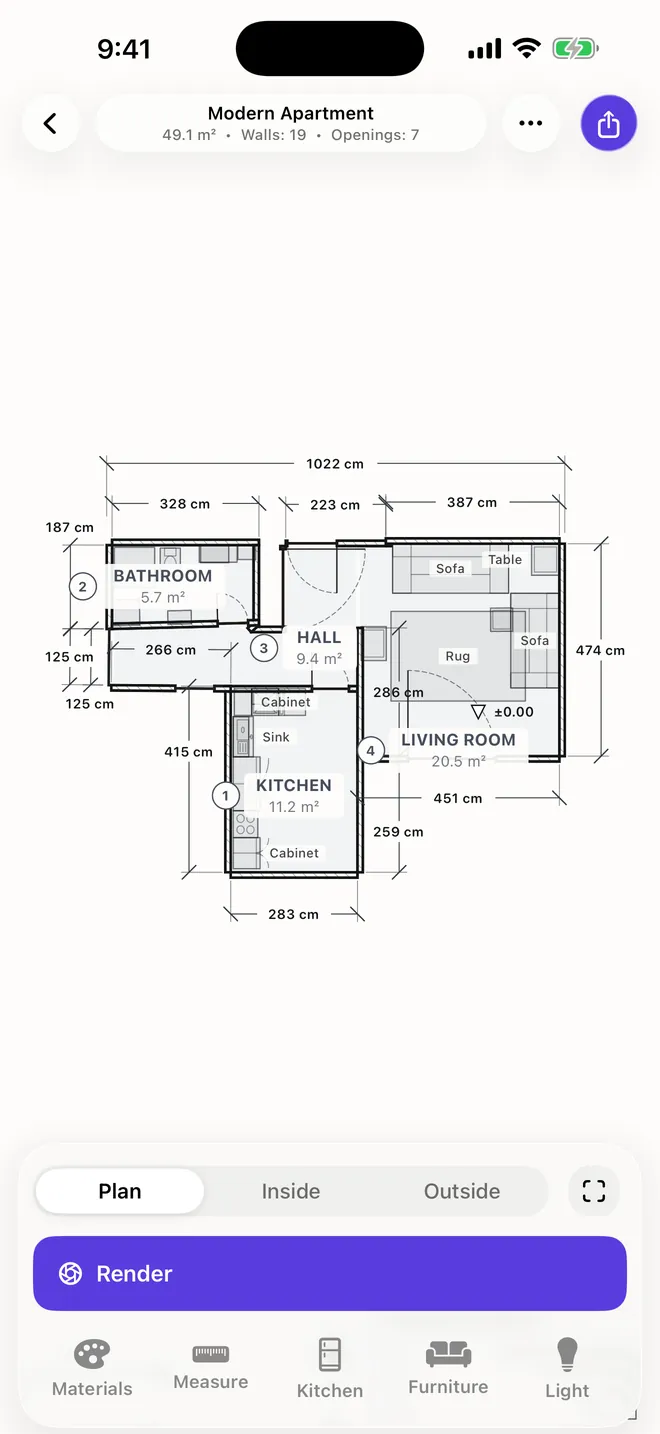
LiDAR scans are measured, not estimated, so plans show real wall lengths and areas. Accuracy still depends on the room and the scan, so check key dimensions on site before ordering or building.
What happens to my photos and scans?
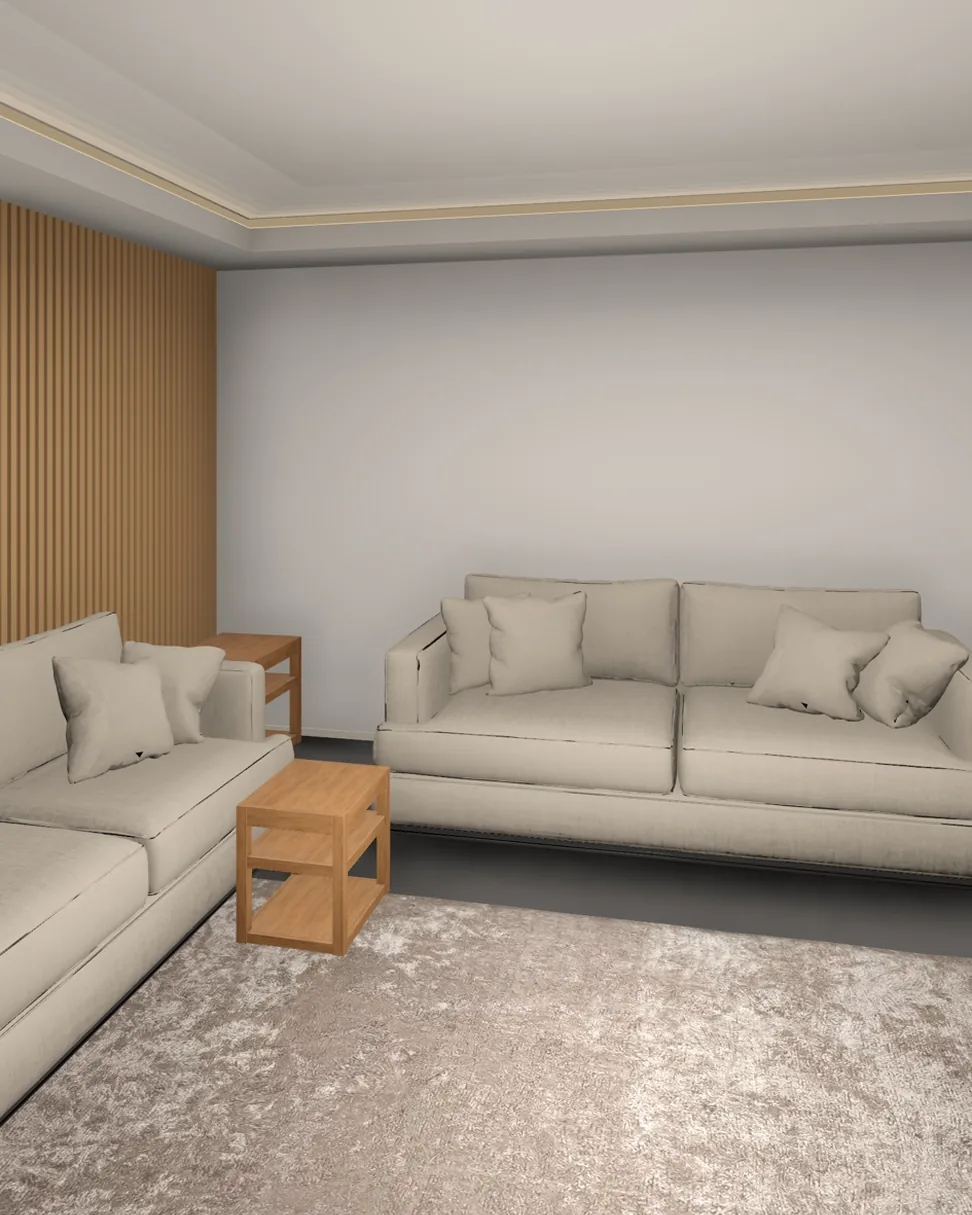
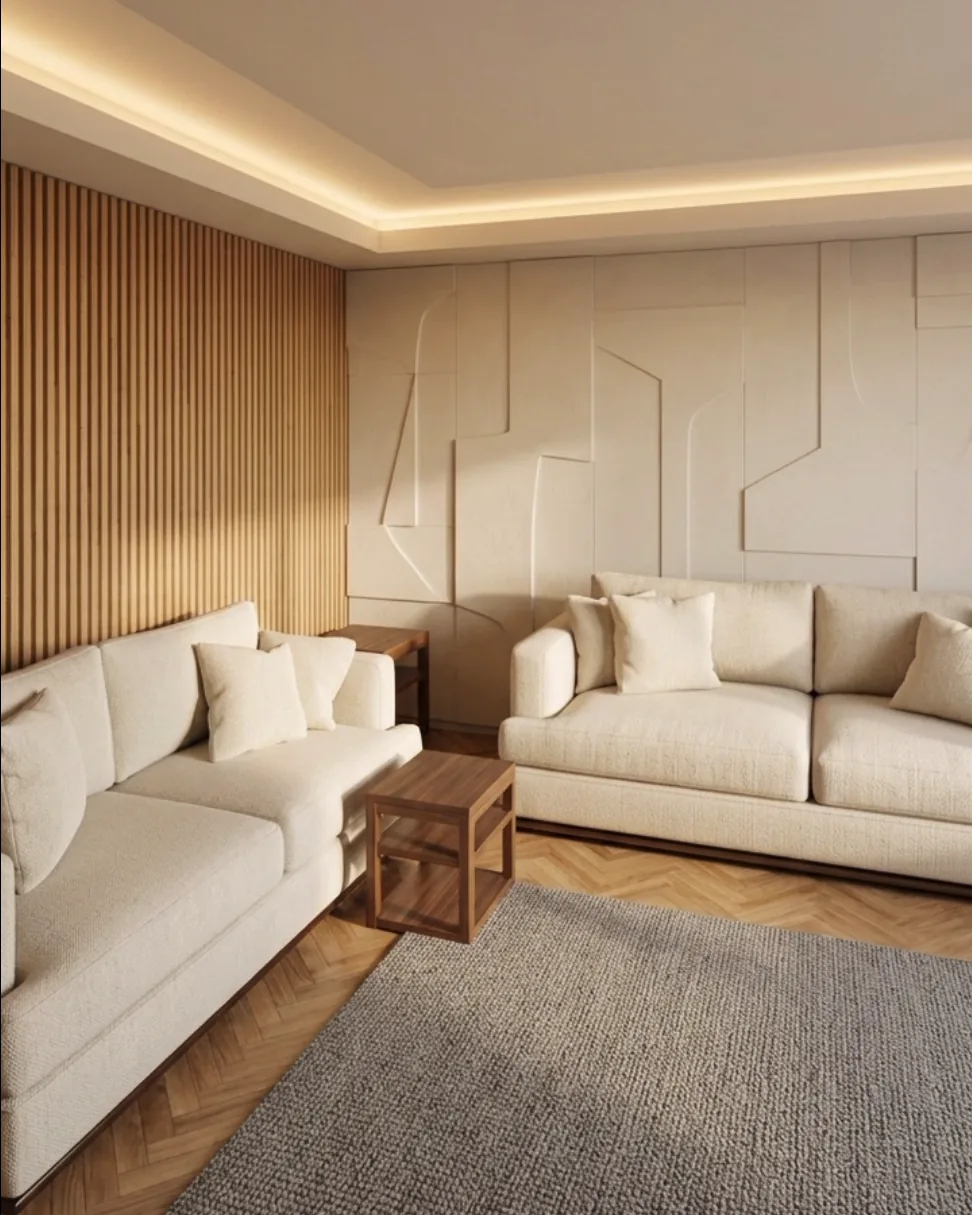
Scans and projects stay on your phone. A photo leaves the phone only when you ask for a render; it is deleted after processing and the result is kept for at most 24 hours so it can be delivered to you.
What is a credit?
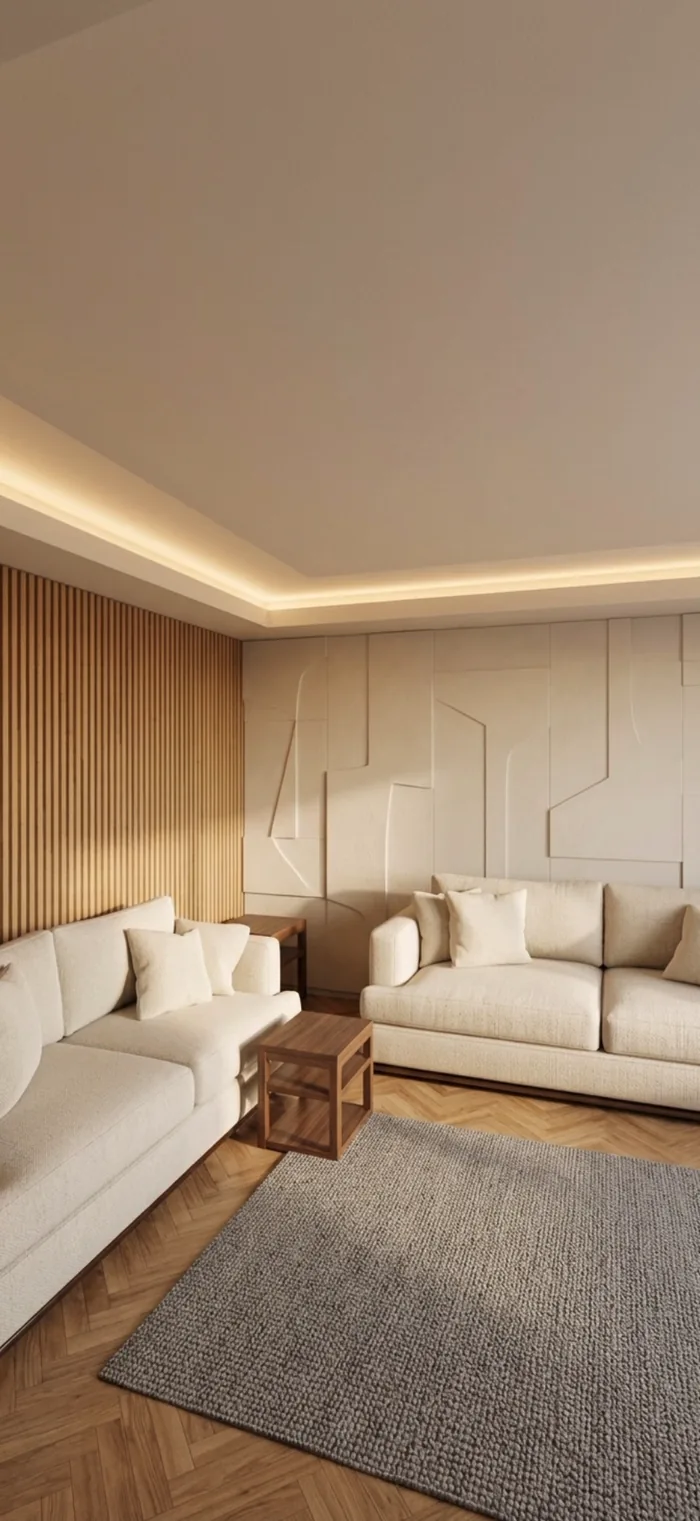
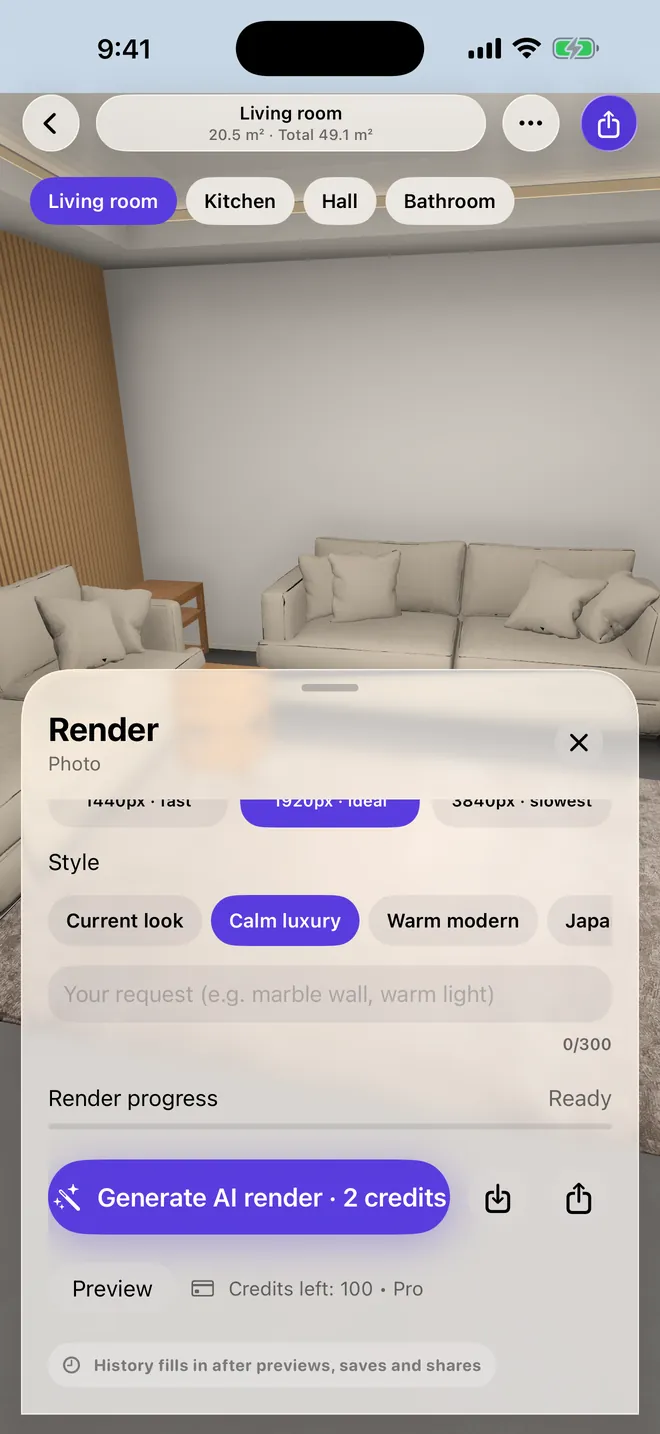
Credits pay for AI images: an HD render costs 1 credit, 2K costs 2 and 4K costs 3. Scanning, planning and designing in 3D don't use credits.
Can I use the plans for construction?
Plans and renders support design work. They are not an official architectural project or permit document.
How do I cancel my subscription?
Open Settings on your iPhone, tap your name, then Subscriptions, then Roomist. You keep Pro until the paid period ends.
How do I restore a purchase on a new phone?
Tap Restore Purchases on the Profile screen or the subscription screen, signed in with the same Apple Account.
 Roomist